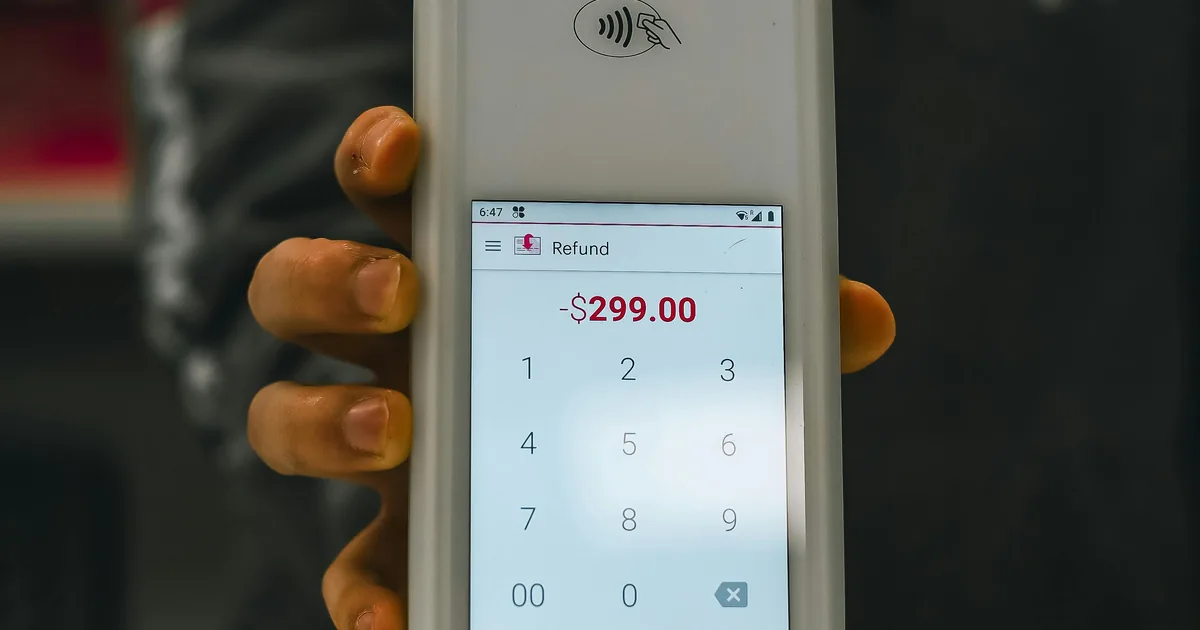
Refunds in Shopify are flexible by design. A merchant can issue a refund for a flat dollar amount — no specific product, no line item, just a credit back to the customer. It’s a common scenario: goodwill credits, partial adjustments, shipping refunds that don’t tie back to a specific product. Shopify handles it without a second thought.
QuickBooks Online is not as flexible. Every Refund Receipt in QBO requires at least one line item. No exceptions, no workarounds — it’s a hard constraint built into how QuickBooks processes refund documents.
That gap — Shopify allowing zero-item refunds, QBO requiring at least one line item — is exactly the kind of edge case that breaks integrations and forces manual intervention. WeIntegrate handles it automatically.
Automated, accurate accounting and instant sync: sales, refunds, fulfillments, inventory, payouts, tax — real transaction details, not batched, delayed summaries.
Start Your Free TrialThe Solution: A Dedicated No-Item Refund Product
WeIntegrate resolves the mismatch with a simple, one-time setup: you create a dedicated Non-Inventory product in QuickBooks Online specifically for this purpose. When a Shopify refund arrives without any line items, WeIntegrate uses that product as the required line item on the QBO Refund Receipt — satisfying QuickBooks’ requirement while accurately representing the refund amount.
The product is a placeholder. It carries the refund amount, keeps the Refund Receipt valid in QBO, and ensures the transaction flows cleanly into your books without any manual touch.
Creating the product takes less than a minute:
- Go to Sales → Products and Services in QuickBooks Online
- Click New and select Non-Inventory as the product type
- Give it a name that makes its purpose clear — something like “No Item Refund” or “Shopify Adjustment”
- Save it
Then map it in WeIntegrate as your no-item refund product. From that point on, every zero-item refund from Shopify syncs to QBO correctly — automatically, without any per-refund intervention.
The full setup details are in the WeIntegrate no-item refund configuration guide.
Why This Matters
A refund that can’t sync is a gap in your books. Without a solution for zero-item refunds, those transactions either fail silently, require manual QBO entries, or create reconciliation differences between what Shopify shows and what QuickBooks records.
WeIntegrate’s approach keeps every refund — with items or without — moving through the same automated pipeline. Your Refund Receipts in QBO are complete, your payout reconciliation stays accurate, and your books reflect every transaction Shopify processes.
Set It Up Before You Connect
Ideally, the no-item refund product is created in QBO before you connect WeIntegrate for the first time. If you’ve already connected and need to add it, you can disconnect your QBO company, add the product, update your WeIntegrate settings, and reconnect — your data stays intact through the process.
It’s a one-time configuration that eliminates an entire category of refund handling problems. Set it once and WeIntegrate takes care of every zero-item refund from there.
Start your free 15-day trial and get your no-item refund product configured as part of your 10-minute setup. No credit card required.